

Let’s be honest: when you’re running a small business in Australia, you’re flat out and wearing a dozen different hats. You don’t have hours to spend analysing algorithms every week.
I was in fact having this exact conversation with a fellow small business owner who gave me the idea for this post (thank you Kylie!) as I was telling her how important her Google Business Profile (GBP) is to her online marketing and she said she knows, but just needs a checklist of what to do.
So here we are, I figured I would share with you today what our Weekly GBP Health Checks look like for our clients to ensure their local visibility stays optimised, competitive, and consistently driving new leads.

I recently presented to the Portarlington Business Development Association about AI search and how people search for businesses has fundamentally changed. People don’t flip through the Yellow Pages anymore; they ask Google, they ask AI, and they search on maps. With Google Search and Google Maps acting as the primary platforms for finding local services, a well-maintained Google Business Profile ensures your business is front and centre. If your business isn’t showing up there, how will new customers find you?
Plus AI assistants like ChatGPT, Gemini, Claude, etc typically pull local business information from places like Google Business Profiles.
So, pour yourself a glass or mug of something, set a timer, and let’s dive into my 30-minute GBP Weekly Health Check to keep your profile in top shape and ensure customers can find you!
Your 30-Minute GBP Health Check
Here is your step-by-step checklist to keep your local visibility healthy:
Minutes 0–10: The Engagement & Reputation Check
- Respond to reviews: Customers trust businesses with positive reviews. Make it a priority to respond to every review, both positive and negative, within 24 hours. It is a massive ranking factor and conversion signal.
- Ask for a review: Send an email, a text or put a post up on your IG story, however you do it, try and ask a happy customer to leave a review (send them the direct link or use the QR code that Google generates for you).


Minutes 10–20: The Visual & Content Check
- Upload real visual content: Businesses with photos receive 42% more requests for directions and 35% more click-throughs to their website. Upload real images of your exterior, interior, team, or recent work. Avoid AI-generated slop or generic stock photos. And don’t forget video, these can be up to 30 seconds long. See the full image and video specs allowed here.
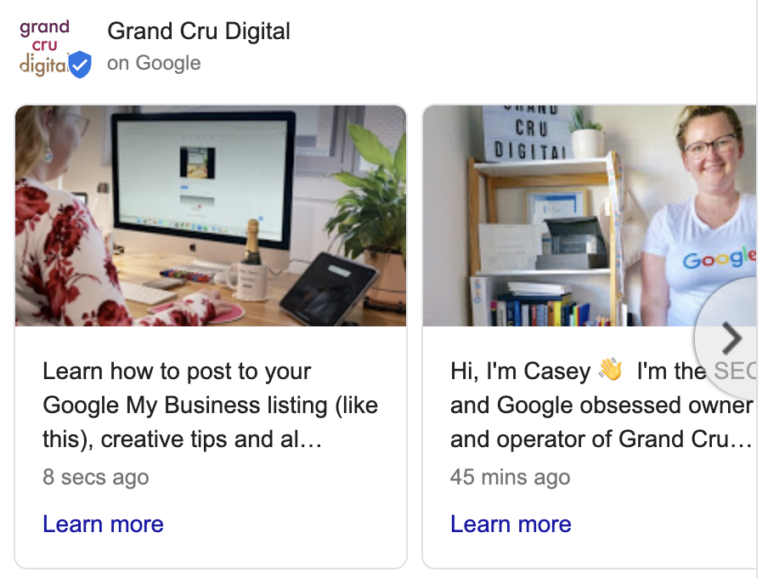
- Publish a new post: Add a fresh post at least once a week featuring business news, current offers, or recent job photos. Use high-quality images and short, punchy text to signal to Google that your business is active. Do not use phone numbers or website links directly in your post text, as this can trigger spam filters. You can also schedule upcoming posts so you only need to do this task once a month.
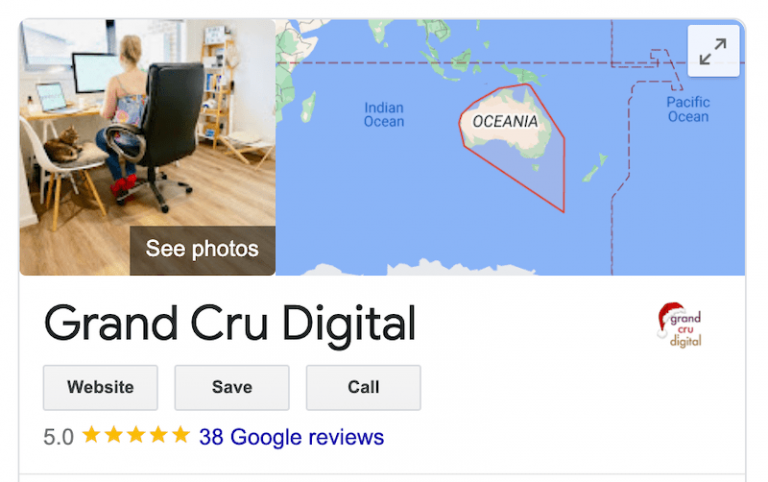
Pro tip: Don’t forget to set your cover image and logo in your Photos section too!

Minutes 20–25: The Vital Signs Audit
- Check your core business information: Make sure Google knows exactly who, where, and what you are. Ensure all your business information is up to date from your address and phone number to your business description, attributes, service areas, etc.
- Check your categories: Choosing the incorrect primary category is a massive negative ranking factor. Ensure your primary category is the most specific one that matches your core service.
- Update your trading hours: Double-check your trading hours and immediately add any upcoming public holidays so customers aren’t left guessing.
Minutes 25–30: Diagnostics & Performance Review
- Update your offerings: Make use of the ‘Products’ or ‘Services’ tabs and ensure that you add in all your services with detailed descriptions and connect your in-store products via Google Merchant Centre
- Review free tools: Spend the last few minutes tracking your performance using the Performance insights, this will show you how many people are seeing your listing, how they are interacting with it and how they are finding it. It will compare year on year stats, so hopefully you will see growth!
- Seed your Q&A section: Anyone can ask or answer questions on your profile, which can lead to inaccurate information being displayed. Take control by proactively posting common questions and providing detailed answers yourself.

Copy & Paste: Your Weekly Calendar Reminder
Want to make this health check second nature? Copy and paste this succinct checklist straight into a recurring weekly calendar event:
- Reviews: Reply to new reviews and request feedback from a happy customer.
- Photos: Upload at least one real, recent photo or video.
- Posts: Publish a fresh update, offer, or event.
- Vitals: Check core business information, and set upcoming public holiday/speical hours.
- Data: Check your performance data to see how your profile is performing
Need help keeping your GBP healthy?
If you are flat out running your business and would prefer an expert team to handle your Google Business Profile health checks for you – get in touch with us today – we’d love to help your local business pop like a cork from a Grand Cru bottle of champagne!